
The Reselling Tools I Use to List, Stay Organized and Sell More
The apps, marketplaces, AI tools and physical supplies that help me manage my online clothing reselling business.
When I first started selling clothing online, I did not have an elaborate system.
I had clothes I wanted to sell, a phone to take pictures and a lot to learn.
Over time, I started discovering tools that made certain parts of reselling considerably easier. Some helped me create listings faster. Others made product photographs look cleaner. Some helped keep inventory from becoming chaotic, and a few saved me from doing the same repetitive task over and over again.
None of these tools are required to make your first sale.
That is worth saying upfront because it is easy to fall into the trap of thinking you need an entire reselling studio before you can list your first shirt.
You don't.
But once you begin listing consistently, the right tools can make the entire process easier.
My Reselling Tool Kit at a Glance
| Tool | What I Use It For |
|---|---|
| Vendoo | Cross-listing inventory across several resale marketplaces. |
| AI | Helping create titles, descriptions, keywords and listing ideas. |
| PhotoRoom | Creating cleaner product photographs and simple backgrounds. |
| Canva | Creating Pinterest pins, website graphics, printables and marketing content. |
| eBay | A large marketplace with buyers searching for almost every type of clothing. |
| Poshmark | Fashion, footwear, handbags and accessories. |
| Depop | Trend-driven, vintage and unique fashion. |
| Vinted | Another marketplace for selling secondhand clothing and accessories. |
| Amazon | Many of the supplies I use for measuring, storing and shipping inventory. |
The Reselling Marketplaces I Use
One thing I learned fairly quickly is that buyers are not all shopping in the same place.
Someone searching eBay may never see the same item sitting on Poshmark. A Depop shopper may be searching specifically for a style that would get very little attention somewhere else.
That is one reason I like having the ability to list inventory across multiple marketplaces.
Poshmark
Poshmark is one of the platforms I use for clothing, shoes, handbags and accessories. I especially like it for fashion because the platform is built around clothing and style.
It can also be a comfortable place for a new reseller to start learning the listing and shipping process.
Visit PoshmarkeBay
eBay gives my inventory access to an enormous buyer audience and works for much more than current fashion.
I use it for clothing, shoes, vintage pieces and items buyers may be searching for by very specific brand, style or model.
Visit eBayDepop
Depop can be particularly useful for trend-driven clothing, vintage pieces and items with a distinctive style or aesthetic.
I do not assume every item will perform equally well on every platform. Some pieces simply have a more natural audience on Depop.
Visit DepopVinted
Vinted gives sellers another place to put secondhand clothing in front of shoppers specifically looking for preowned fashion.
As with every marketplace, I recommend reviewing the current selling policies, fees and shipping process before deciding which items make the most sense to list there.
Visit VintedDownload My Free Reselling Inventory Spreadsheet
Once you start listing on several platforms, keeping track of inventory becomes just as important as creating the listings themselves.
I created a free inventory spreadsheet and dashboard to help keep everything organized in one place.
Vendoo
Once you sell on more than one marketplace, you quickly discover how repetitive cross-listing can become.
Creating the same item on eBay, Poshmark, Depop and other marketplaces one listing at a time can take a lot of time.
Vendoo helps simplify that part of the process.
Instead of recreating every listing from scratch, I can use a more centralized workflow to manage inventory across the platforms where I sell.
Why I Use Vendoo
- It saves time when cross-listing.
- It helps keep listings organized.
- It makes managing multiple marketplaces more realistic.
- It reduces repetitive listing work.
- It makes scaling inventory easier than manually rebuilding every listing.
AI for Writing Listings
AI has become one of the biggest time savers in my listing process.
Writing titles and descriptions over and over again can become surprisingly time consuming, especially when there is a pile of clothing waiting to be listed.
I can give AI the factual details about an item and use it to help create a stronger starting point.
I may provide:
- Brand
- Item type
- Size
- Color
- Material
- Style
- Condition
- Notable features
Ways I Use AI for Reselling
- Creating eBay titles
- Creating Poshmark titles
- Writing descriptions
- Finding useful style keywords
- Improving repetitive wording
- Creating Pinterest titles and descriptions
- Brainstorming blog and social media content
PhotoRoom
Good product photographs can make a huge difference when someone is scrolling through dozens of similar listings.
I try to start with the best photograph possible by using good lighting, a clear view of the item and an uncluttered space.
PhotoRoom helps me take that image another step.
I Use PhotoRoom For:
- Removing distracting backgrounds
- Creating clean white backgrounds
- Creating neutral product backgrounds
- Making the item the focus of the photo
- Creating more consistent listing images
I still use original photographs and detailed shots so buyers can clearly see fabric, tags, measurements, condition and any flaws.
Explore PhotoRoom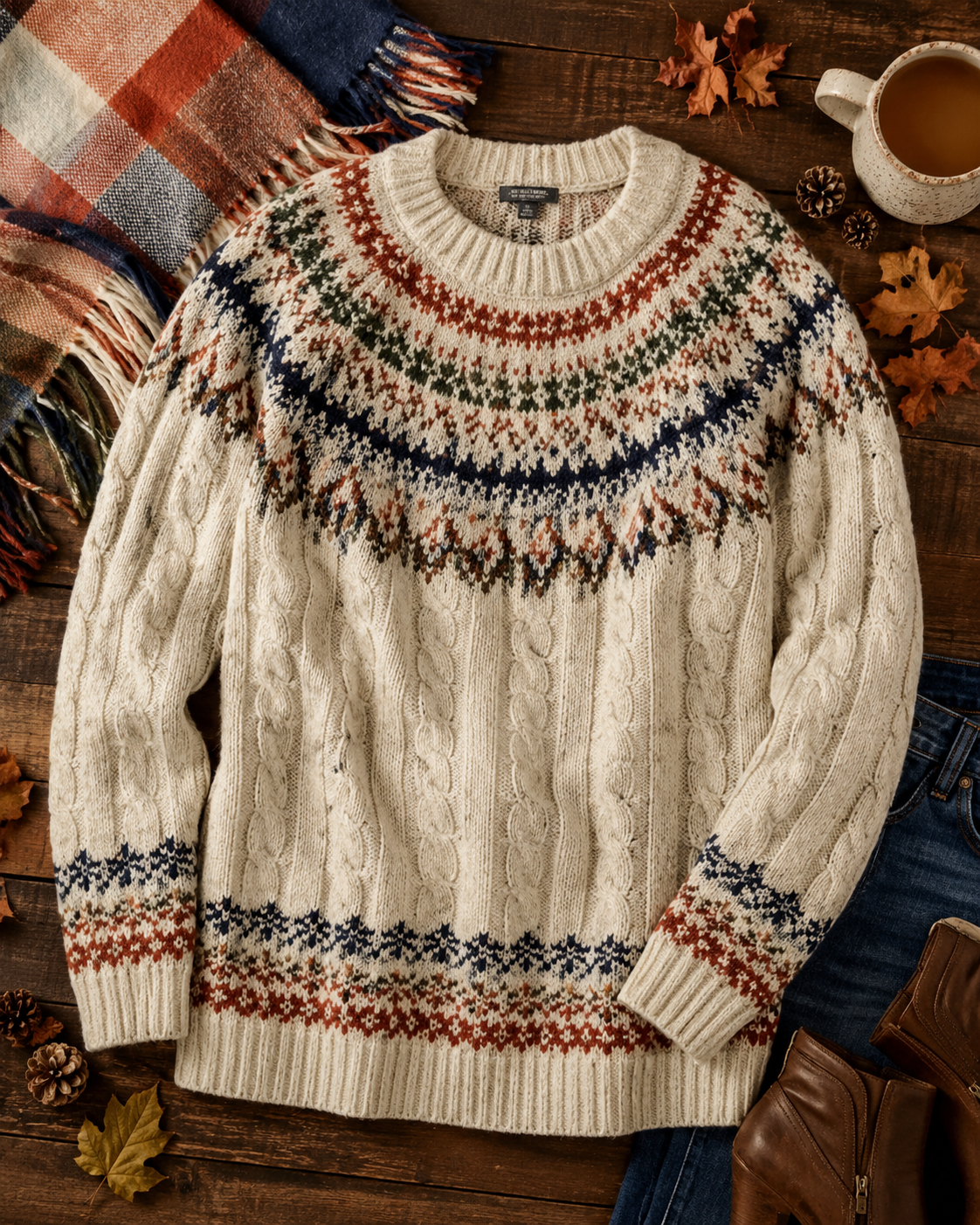
Canva
Canva is less about listing one shirt and more about building everything around my reselling business.
I use it constantly because I can create professional-looking graphics without needing complicated design software.
I Use Canva For:
- Pinterest pins
- Blog graphics
- Social media posts
- Reselling checklists
- Printable resources
- Website graphics
- Amazon content
If you are trying to turn reselling into part of a larger online business, Canva is one of those tools that can end up being useful almost every day.
Explore CanvaHow My Reselling Tools Work Together
- Select and inspect the item.
- Clean or steam it if needed.
- Photograph the item.
- Edit the main image in PhotoRoom when appropriate.
- Take measurements.
- Use AI to help write the title and description.
- Create the main listing.
- Use Vendoo to cross-list it.
- List on marketplaces such as eBay, Poshmark, Depop or Vinted.
- Assign a SKU.
- Enter the item into my inventory spreadsheet.
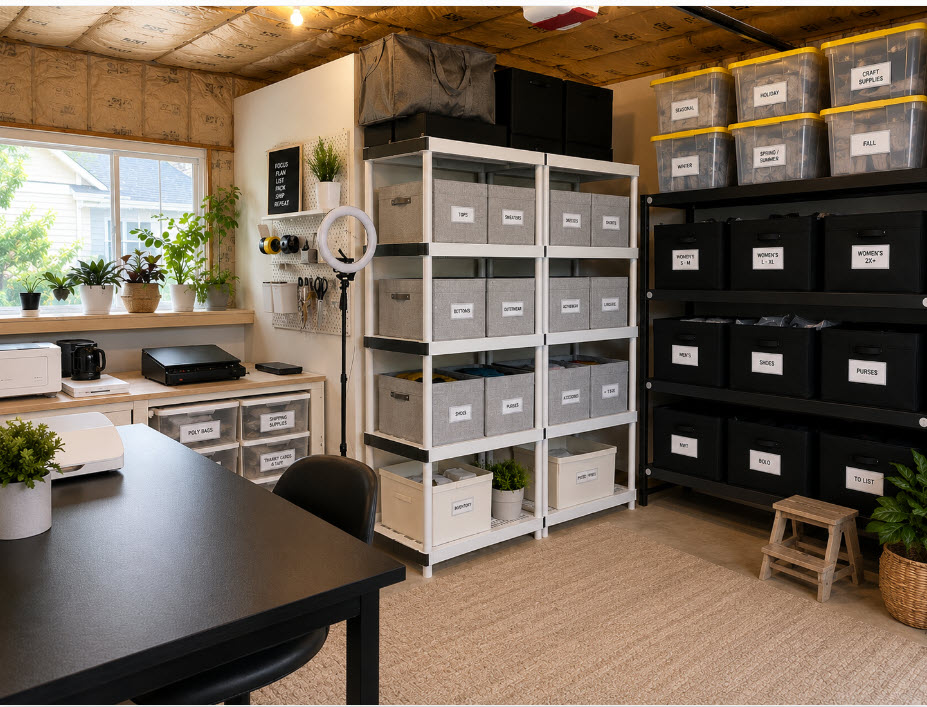
- Store the item in its assigned location.
- When it sells, update my inventory and prepare the order for shipping.
Amazon for Reselling Supplies
My digital tools save time, but there are also a handful of physical tools I use constantly.
Amazon makes it convenient to replace supplies as I run out and keep the basic equipment I need for preparing, measuring, storing and shipping clothing.
Clothing Steamer
Wrinkles can make a perfectly good item look tired in listing photos. Steaming takes only a few minutes and can make a big difference.
Shop SteamersFlexible Measuring Tape
A measuring tape is one of the least expensive tools in my setup and one of the tools I use most frequently.
Shop Measuring TapesLint Roller
Simple, inexpensive and extremely useful before clothing goes in front of the camera.
Shop Lint RollersClear Poly Bags
I like keeping listed inventory protected and organized while it waits for its buyer.
Shop Poly BagsPoly Mailers
Lightweight mailers work well for many clothing shipments and are easy to keep stocked.
Shop MailersPostal Scale
A postal scale makes it much easier to know what a packed order actually weighs before shipping.
Shop Postal ScalesFabric Shaver
When appropriate for the fabric, a fabric shaver can carefully remove surface pilling and improve presentation.
Shop Fabric ShaversShipping Supplies
Tape, labels and other basic packing supplies become much more important once orders are going out consistently.
Shop Shipping SuppliesThe Tool That Becomes More Important as You Grow
At ten listings, you may remember where everything is.
At 100 listings, things get a little more interesting.
Once inventory really starts growing, relying on memory is a terrible business strategy.
That is why I created a spreadsheet that keeps the important information in one place.
The inventory tracker includes space for:
- Status
- Platform
- Listing date
- Title
- SKU
- Brand
- Size
- Color
- Item type
- Description
- Condition
- Cost of goods
- List price
- Sale price
- Marketplace fees
- Shipping costs
- Net profit
- Sold date
- Days listed
- Storage location
Free Reselling Inventory Tracker + Dashboard
I created this spreadsheet for sellers who want one easy place to keep track of inventory across platforms including eBay, Poshmark, Depop and Vinted.
The dashboard automatically gives you an at-a-glance view of your listings, sales, revenue and profit.
What Do You Actually Need When You Are Starting?
Probably less than you think.
If you are selling the first ten pieces from your closet, I would not start by buying every possible reseller tool.
- Your phone
- Good natural lighting
- A clean background
- A measuring tape
- Something to remove wrinkles
- Basic shipping supplies
- A simple inventory system
Then pay attention to what slows you down.
If writing listings takes forever, AI may help.
If posting everything to four marketplaces takes forever, Vendoo may help.
If your main product photos need cleaning up, PhotoRoom may help.
If you want to market your reselling content through Pinterest or your website, Canva may help.
The best reseller tools are not necessarily the tools everyone else uses. They are the tools that remove friction from the parts of your business you are actually doing.
A Better System Gives You More Time to Actually Sell
Reselling involves a surprising number of small tasks.
Sourcing. Inspecting. Steaming. Photographing. Measuring. Researching. Writing. Listing. Cross-listing. Storing. Packing. Shipping.
None of those tasks is especially complicated by itself.
The challenge is doing them over and over again.
The tools I use help me spend less time repeating tasks and more time improving the parts of the business that can actually move it forward.
Start simple, build your process and then add tools when they solve a real problem.